Snaptube APK Download Latest Version
4.8/5.0
40 Million +
Downloads
Download the latest version of Snaptube APK for Android. Save videos and music from 50+ popular platforms in HD quality and without limits.





Table of Contents
- 1. What's New in the Latest Version of Snaptube
- 2. How Can I Know if a New Version Is Available for Update?
- 3. Download Snaptube APK Latest Version for the Best Experience
- 4. Features of Latest Snaptube
- 5. Real User Reviews of Snaptube Latest APK Download
- 6. Contact Snaptube Latest Version for Support
- 7. FAQ about Latest Snaptube APK
What's New in the Latest Version of Snaptube
Snaptube Latest APK Details
Support downloading video subtitles
Fixes occasional audio cover loss issue
Enhances update efficiency, allowing more users to quickly access the latest version of the app.
Snaptube‘s News

Version 7.28
2024-10-16: Version 7.28 was released, changing the subtitle download format to SRT and reducing the installation package size.
Version 7.27
2024-09-19: Version 7.27 was released, fixed a minor bug.
Version 7.26
2024-09-02: Version 7.26 was released, optimizing the download format page interface, improving the batch download interface, and enhancing the playback details page layout.
Version 7.25
2024-08-07: Version 7.25 was released, , supporting Instagram story downloads without needing to log in.
Version 7.24
2024-07-18: Version 7.24 was released, supporting Instagram story downloads without needing to log in, optimizing the quick extraction feature, and adding support for quick extraction of Facebook Reels.
How Can I Know if a New Version Is Available for Update?
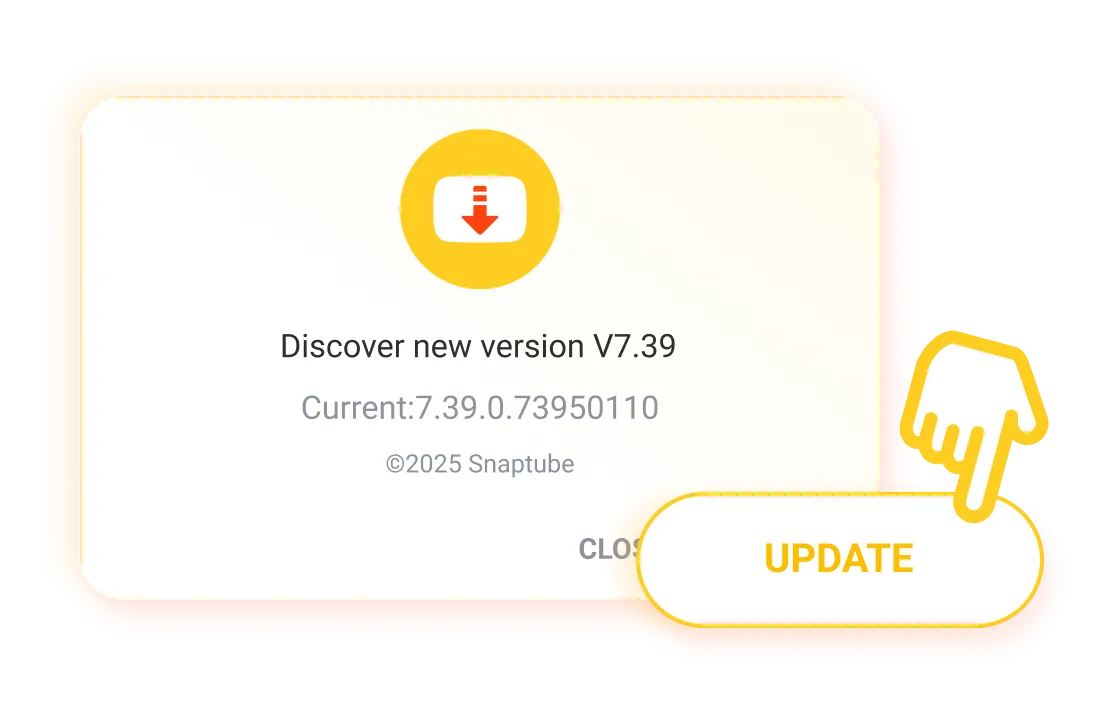
Whenever a new version is released, the app will display an update notification, allowing you to simply tap to download the latest version.
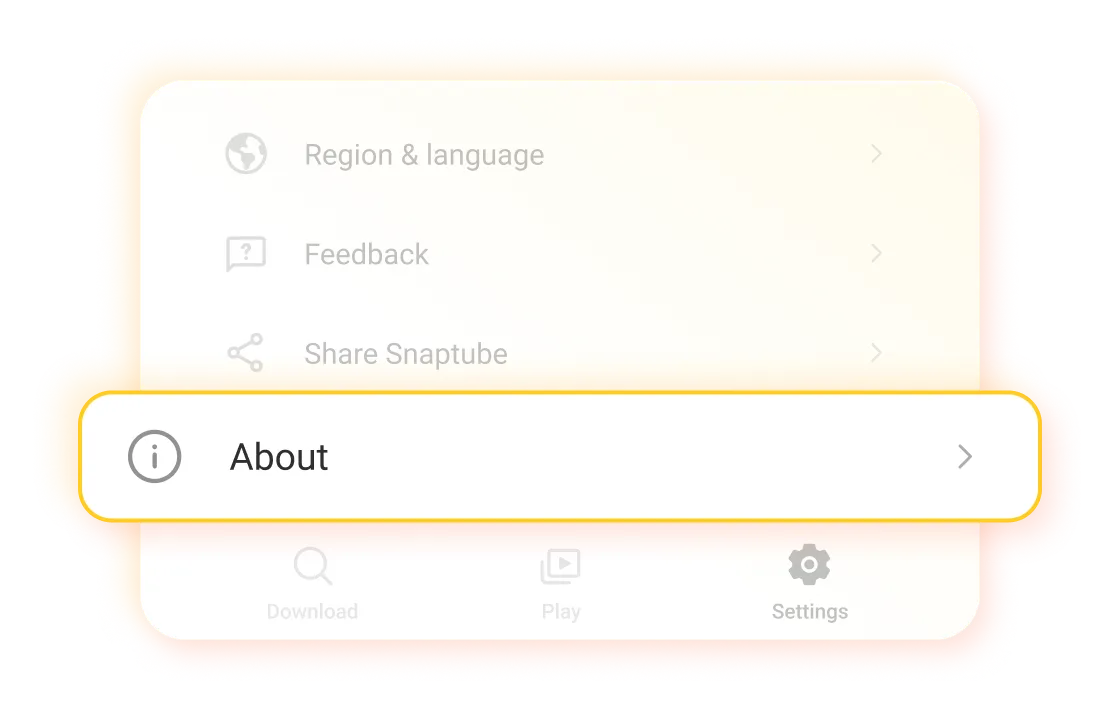
If you miss this notification, you can go to the app’s settings, click on "About," and check if any updates are available.
Download Snaptube APK Latest Version for the Best Experience
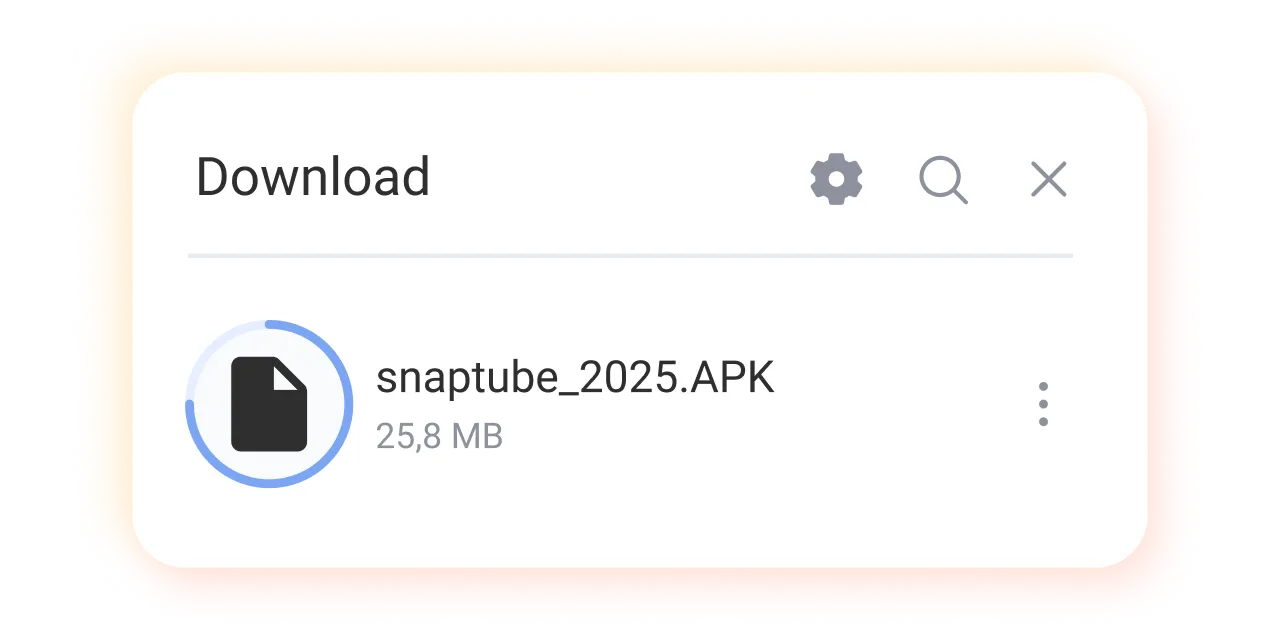
Step 1: Snaptube APK Latest Version Download
Tap the "Download Snaptube" button to get the Snaptube APK file.
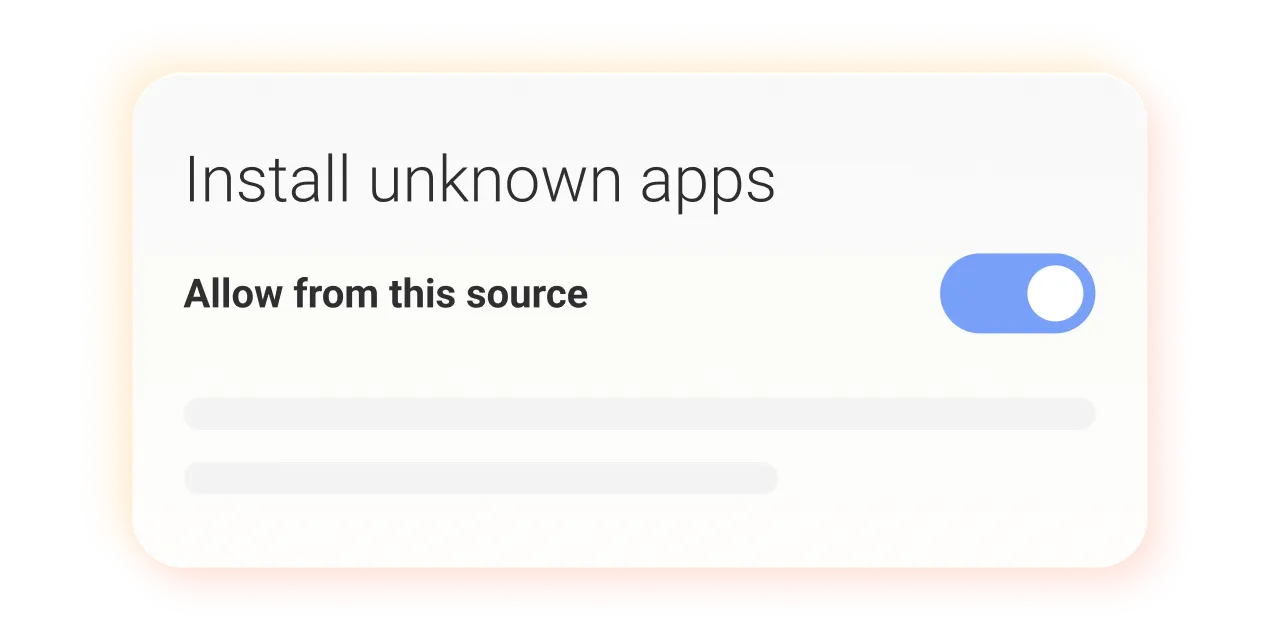
Step 2: Install App
Adjust your device settings to allow installations from unknown sources, then open the APK file to begin installation.
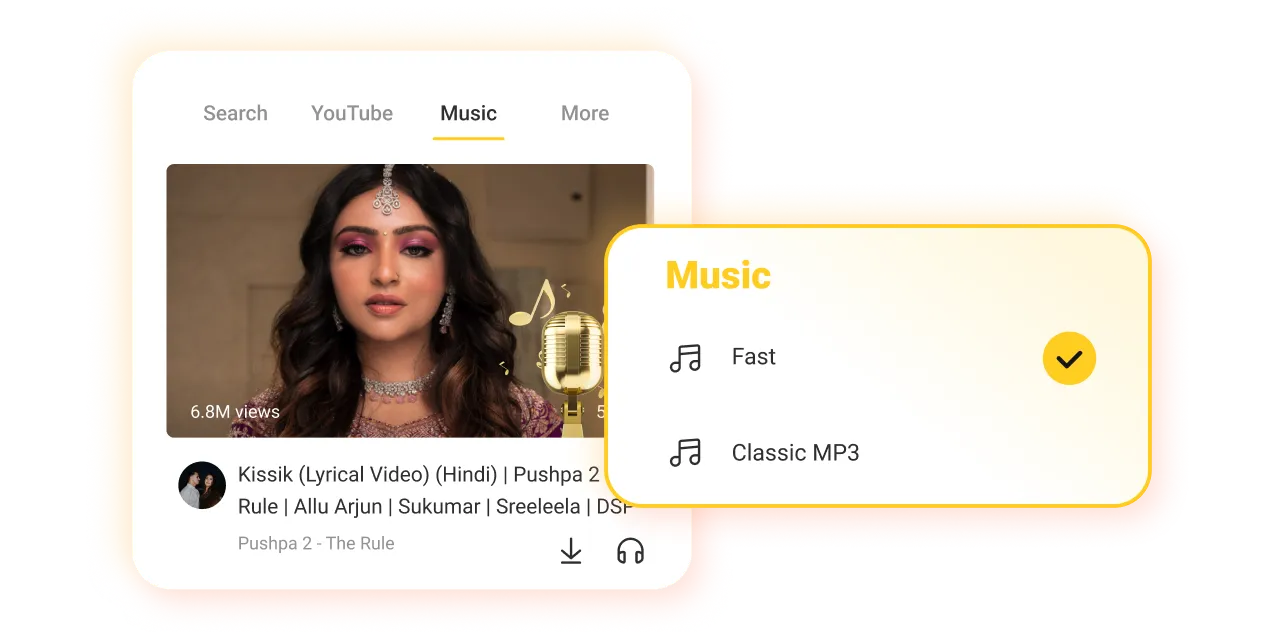
Step 3: Downoad Videos and Music
Open the app, start searching for and downloading your favorite videos and music.
Features of Latest Snaptube

100% Safe and Secure Downloads
This app is 100% safe and free of viruses, so you can use it with confidence.

Offline Playback
It allows you to download your favorite music and videos to watch anytime, anywhere, even without an internet connection.

Multiple Format Support
It lets you choose the format for downloading music and videos, such as MP3, MP4, or M4A. Pick a format you like for easy playback on your device.

Instagram Video Downloader
With the app, you can directly download videos from Instagram, Facebook, and Twitter to your device.

High-Quality Music Downloads
Our music downloader supports MP3 files up to 320 kbps, providing clear sound as if the singer is right in front of you.

Built-in Browser
Search, find, and download what you want in the app, and enjoy the best download experience.
Real User Reviews of Snaptube Latest APK Download
It is simply the best to download and play good music, I have found the best, it is the absolute truth, it is not misleading, it is real, it is top, and it is the highest rated mil, congratulations, I recommend it 👏 It is cool and I give it the best score 🙏

From João
The fact that you can download entire playlists is really great! I needed 71 songs today and Snaptube downloaded them all very quickly which is impressive.

From Amanda
This App is very nice i like this all features are good, this app is 5 rating app

From Sarah
Hello, I love Snaptube very much, it's a great app, I use it every day, I love this app and recommend it. I have been using it for more than 5 years, thank you to everyone who contributed to making this wonderful masterpiece ♥♥♥♥♥♥♥♥♥♥♥♥♥.

From Amir
Contact Snaptube Latest Version for Support
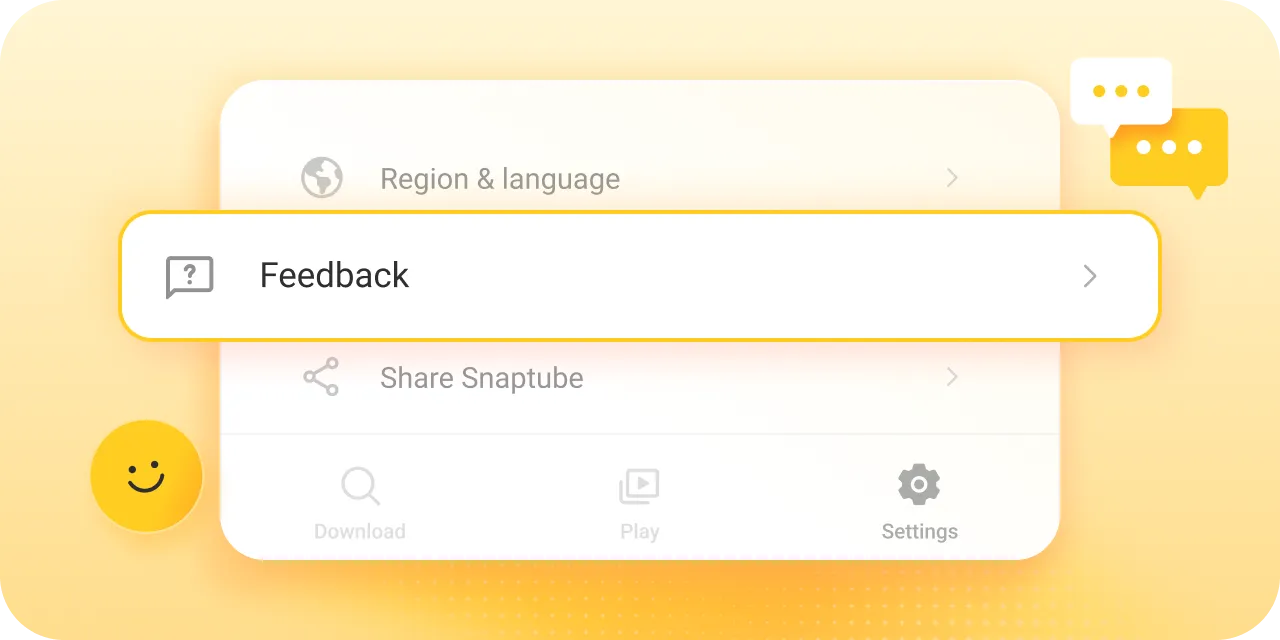
If you encounter problems or have suggestions when using the app, go to "Settings," click "Feedback," and send us your thoughts. We will handle every feedback message seriously.
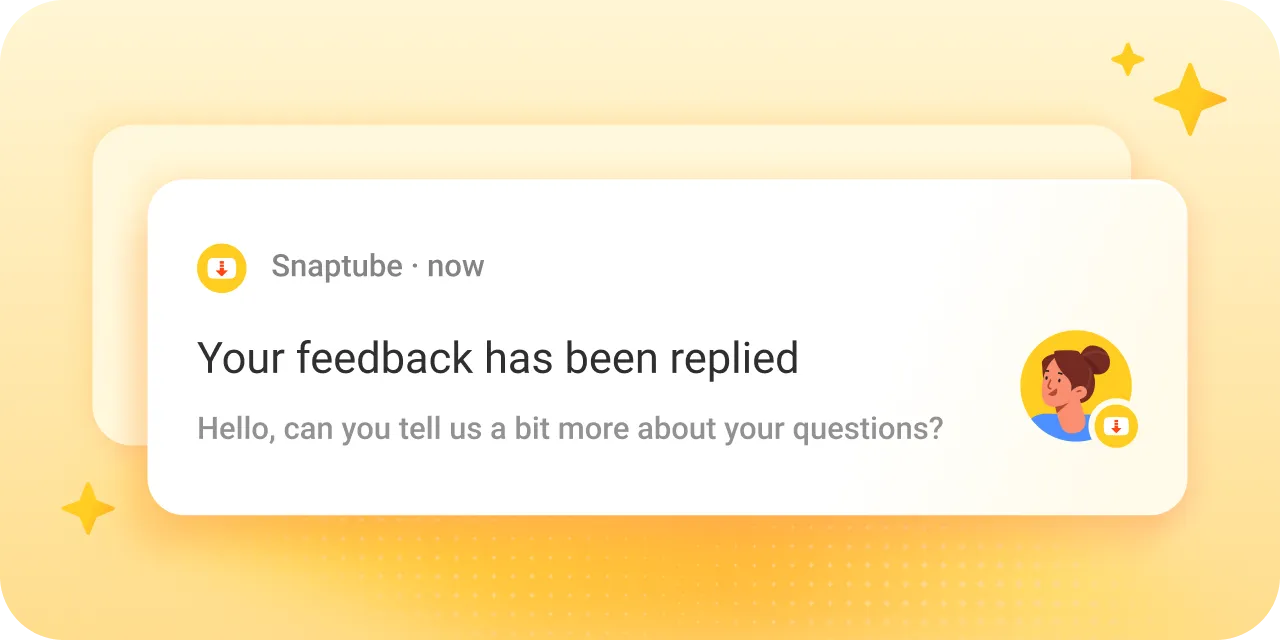
If you like the app, you can also let us know through "Feedback." Your support is our greatest motivation!
FAQ about Latest Snaptube APK
You’re on the app's official website now. It’s safe to get it here. You can also find the APK file on other secure platforms like APKPure and Uptodown. If you have a Huawei or Xiaomi phone, the app is also available in their app stores. These are all reliable places to download the APK file.
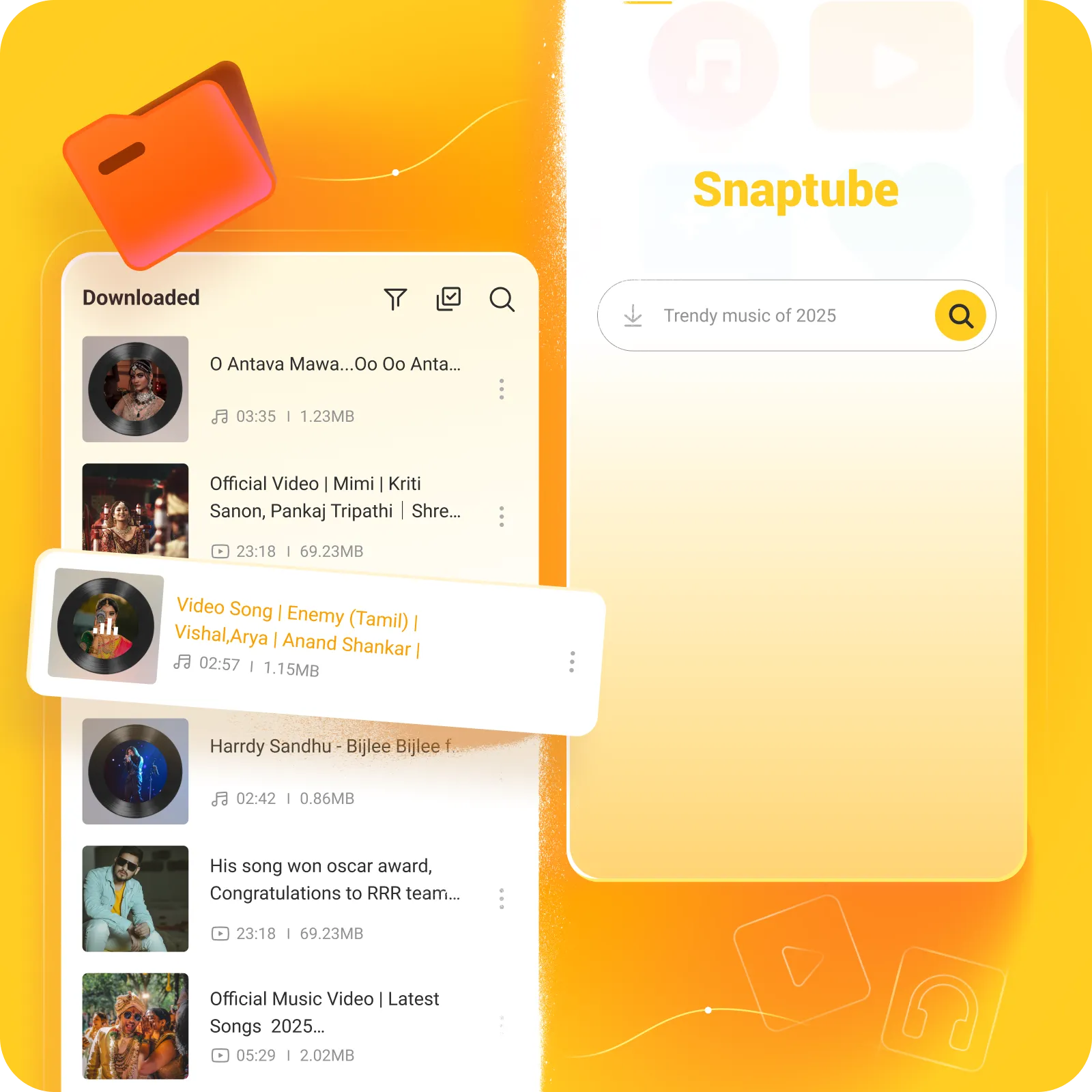
Open the app and tap "Play" in the menu to access the "Downloaded" list, where all downloaded videos and music are arranged by date or file type.
To check for updates, go to the app’s settings, click "About," and then click "Update." If this is the latest version, a line of text will pop up confirming it. If not, the app will prompt you to download Snaptube latest version apk.
If your device blocks installation, follow these steps: 1. Go to your device Settings. 2. Navigate to Security or Privacy settings. 3. Find and enable "Allow installation from unknown sources" or similar option. 4. If prompted, select your browser app to allow installations from it. 5. Try installing it again.
If you encounter issues with the app not downloading videos or music, don’t worry. We recommend first updating it to the latest version. Then, make sure your phone is connected to a strong network. If you have a VPN enabled, please turn it off. If these steps don’t resolve the issue, click on "Settings" in the app, then select "Feedback" to send us the problem with screenshots. We’ll assist you once we receive your feedback.
If you find the app’s download speed is slow, first check your phone's network condition, as a faster connection will improve download speeds. Also, try updating the app. If these steps don’t solve the problem, you can send us feedback.
Deleted media files can be recovered by re-downloading them. Click on "Settings," then "Recycles," where you can see all deleted media files. Select the files and click "Download Again" to regain the video or music. As long as the original link for the video or music is still valid, the download will be successful.